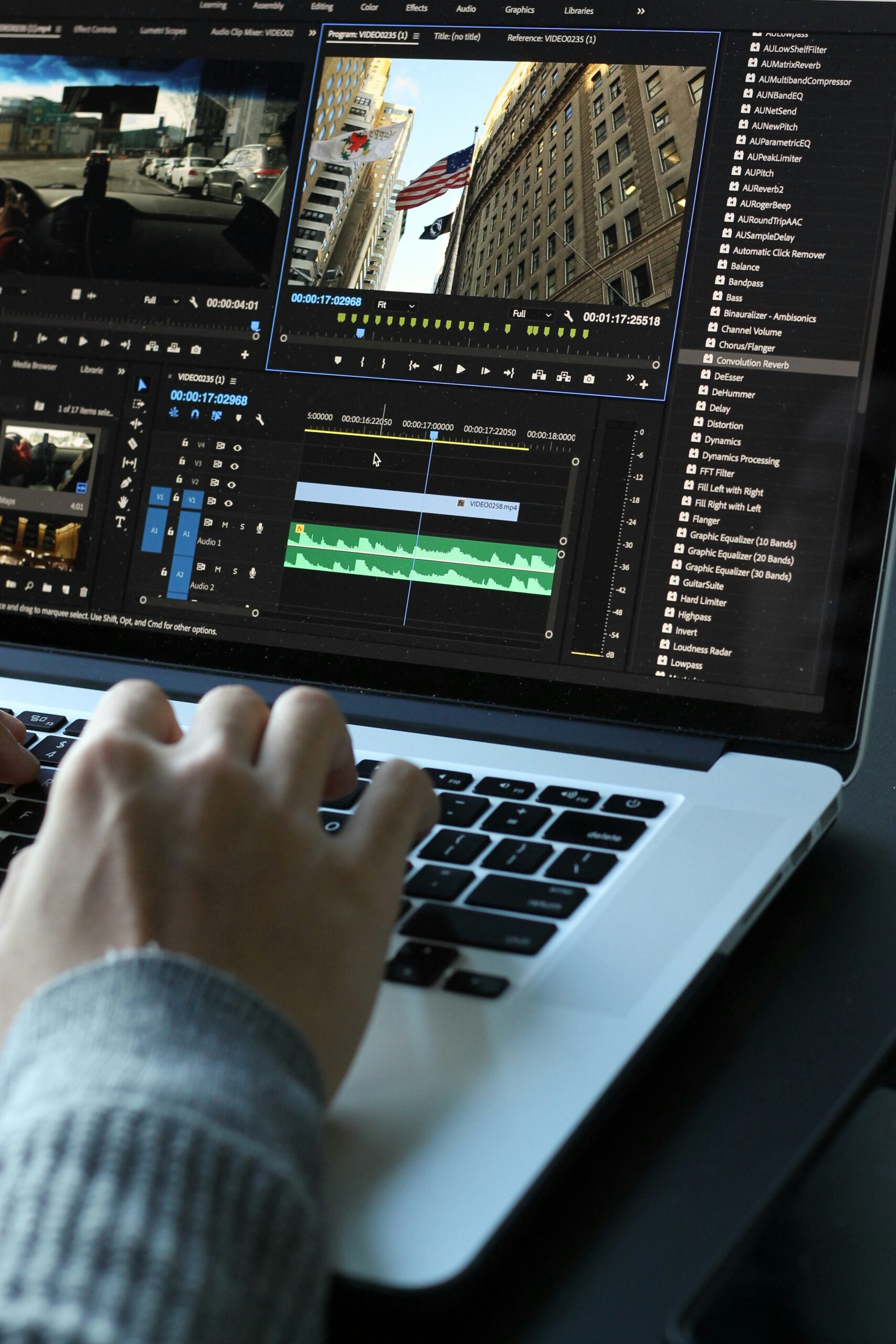

Engaging E-Learning Content Through Motion Graphics and Animation makes learning fun
Motion graphics can engage visual learners, boos and simplify complex ideas. Educators should use them.
This blog will show how Motion Graphics and Animation can help reduce boredom, enhance understanding, and make learning more enjoyable.
Explore the impact of animation on e-learning. And learn to use it to create engaging educational content!
Why Motion Graphics and Animation Boost E-Learning Engagement
The integration of motion graphics and animation in e-learning offers several cognitive benefits:

Visual Learning: Many learners are visual thinkers. Motion graphics cater to this by presenting information visually, which aids in comprehension.
Information Retention: Studies have shown that visual content can greatly enhance retention rates. For example, learners keep about 80% of what they see and do, compared to only 20% of what they read.
Reducing Boredom: Animations can break the boredom of traditional learning. They keep learners interested and motivated.
Simplifying Complex Ideas: Motion graphics can break down complex ideas into simple parts. They make learning more effective.
Statistics indicate that incorporating visual elements can enhance retention rates by up to 65%, demonstrating the power of engaging visuals in education.
Types of Motion Graphics and Animations for E-Learning
Different types of animations serve various educational purposes:
Explainer Animations
These animations break down difficult concepts with visuals, making them easier to understand.
Interactive Animations
Encourage participation through clickable content, allowing learners to engage actively with the material.
Micro-animations
Highlight specific actions like button clicks or progress indicators, guiding learners through processes.
Story-driven Animations
Utilize narratives to make lessons relatable and engaging, enhancing emotional connections with the material.
Whiteboard Animations
Simplify step-by-step explanations, making complex topics more approachable.
Examples of Motion Graphics in E-Learning
Motion graphics have been successfully implemented across various industries:

Corporate Training Modules:
Companies use animated content to train employees on new procedures and compliance. It’s an effective method.
K-12 and Higher Education Platforms:
Schools and universities use animations to teach subjects like science and history in a more engaging way.
Compliance or Soft-Skill Training Videos:
Animated videos help convey important compliance information or soft skills training in an interactive format.
Tools and Software for Creating Motion Graphics and Animations
Several tools are available for creating motion graphics:
- Adobe After Effects
- Vyond
- Powtoon
- Articulate Storyline
When comparing these tools, consider factors such as:
| Tool | Ease of Use | Features | Pricing | Learning Curve |
|---|---|---|---|---|
| Adobe After Effects | Moderate | Advanced animation tools | High | Steep |
| Vyond | Easy | User-friendly templates | Moderate | Moderate |
| Powtoon | Very Easy | Simple drag-and-drop | Low | Easy |
| Articulate Storyline | Moderate | Comprehensive features | High | Moderate |
For beginners looking for cost-effective options, there are also open-source or free alternatives available.
Use Animation into E-Learning
Use Animation into e-learning requires careful consideration:

Balance Visuals and Text
Avoid overwhelming learners with too much content at once; find a balance that aids understanding without causing confusion.
Focus on Clarity and Purpose
Use animations strategically to clarify concepts rather than distract from them.
Optimize for Mobile and Accessibility
Ensure that animated content is compatible across devices and accessible to all learners, including those with disabilities.
Consistent Branding and Design
Maintain a cohesive visual style throughout your materials to support brand identity.
Test for Engagement
Collect feedback and analyze metrics to measure how effectively your animations engage learners.
Is Motion Graphics Worth the Investment?
When adding animations to e-learning, a cost-benefit analysis is essential.
Metrics to Evaluate Success:
Learner Engagement Rates: Track how often learners interact with animated content.
Retention and Completion Rates: Measure how many learners finish courses and retain information.
Feedback or Satisfaction Surveys: Gather learner opinions on the effectiveness of animated materials.
Many organizations have reported measurable success after implementing motion graphics in their training programs, highlighting the potential return on investment.
Future Trends in Animation and Motion Graphics for E-Learning
The future of motion graphics in e-learning looks promising with emerging trends:

AI-driven Animation Tools
Automation will allow faster creation of high-quality animations tailored to specific learner needs.
AR/VR Animations
Augmented Reality (AR) and Virtual Reality (VR) will create immersive, engaging learning experiences
Personalized Animations
Tailoring content specifically for individual learner needs will become more common as technology advances.
Real-time 3D Animation
This trend will enable more engaging gamification elements within educational materials.
Last Words
Motion graphics and animation improve e-learning. It makes learning more engaging and effective. They provide various learning styles while simplifying complex concepts through dynamic visuals. As technology evolves, so will the chances to use animation in education.
Are you looking for motion & animation service that can elevate your e-learning content? Contact us today!